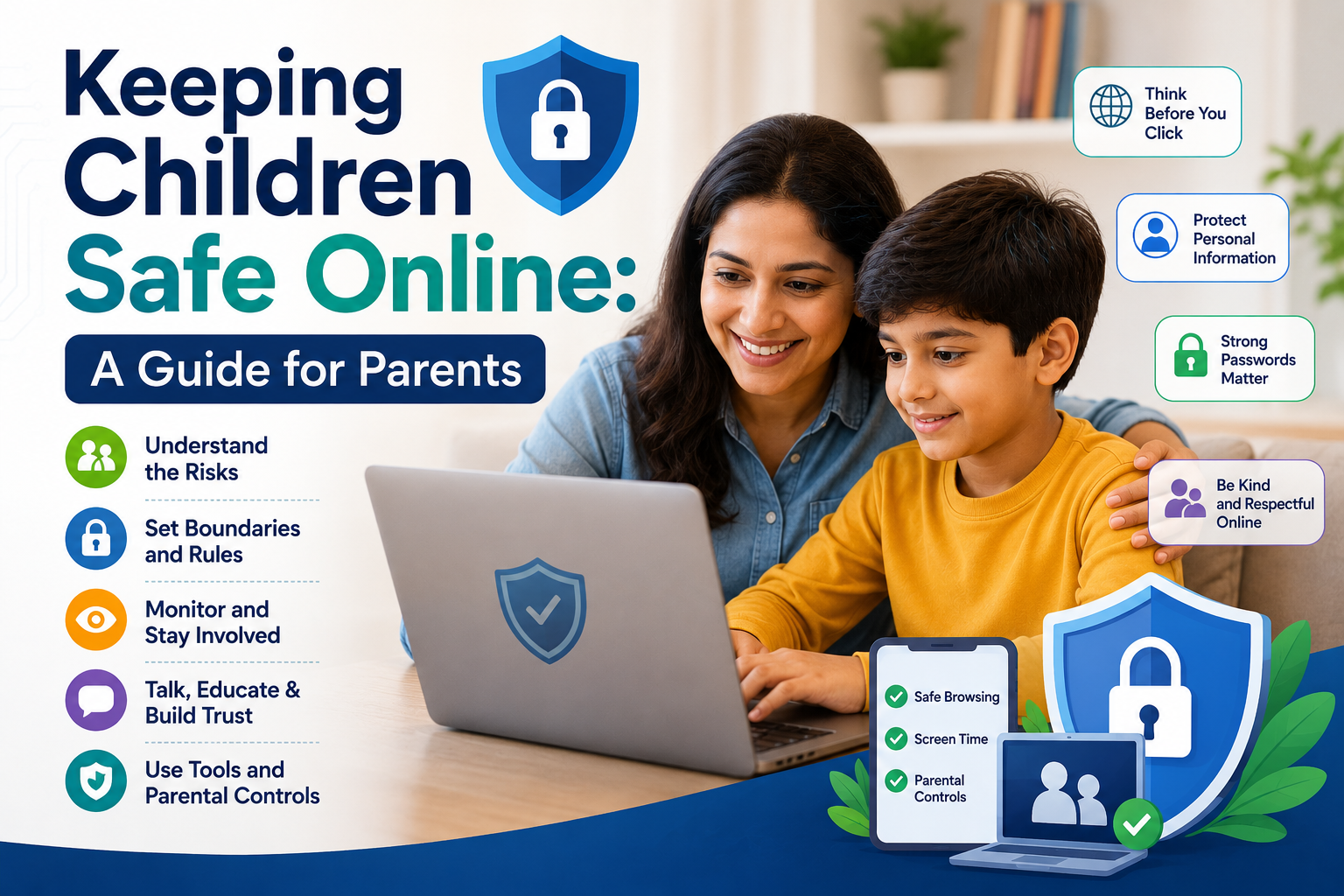
Introduction
The digital world offers incredible opportunities for learning, creativity, and connection, but it also presents unique challenges for parents concerned about their children's online safety. As children spend more time online for both education and entertainment, it's essential for parents to understand potential risks and implement strategies to protect their kids while still allowing them to benefit from digital resources. This comprehensive guide provides practical advice for keeping children safe in the online environment.
Understanding Online Risks
Before implementing safety measures, it's important to understand the various risks children might encounter online:
Inappropriate Content
Children may accidentally or intentionally access content that's not age-appropriate, including violent, sexual, or disturbing material. Even with filters in place, inappropriate content can sometimes slip through on websites, social media platforms, or through links shared by others.
Online Predators
Unfortunately, individuals with harmful intentions may use online platforms to contact children. They often pose as peers or use fake identities to establish relationships and gain trust.
Cyberbullying
Digital harassment can occur through social media, messaging apps, online gaming platforms, or email. Unlike traditional bullying, cyberbullying can happen 24/7 and can be particularly distressing as hurtful content may be viewed by large audiences.
Privacy Concerns
Children may not understand the importance of protecting personal information online. Sharing details like full names, addresses, school locations, or routines can potentially put them at risk.
Digital Footprint
Many children don't realize that what they post online can have long-term consequences. Content shared on the internet can be permanent and may affect future opportunities, including college admissions or employment.
Age-Appropriate Safety Strategies
For Young Children (Ages 5-8)
- Direct supervision: Always sit with young children during online activities.
- Walled gardens: Use child-specific browsers and apps designed with built-in protections.
- Approved content: Create a list of pre-approved websites, videos, and games.
- Simple rules: Establish basic guidelines like "only use devices in family areas" and "ask before downloading anything."
- Educational focus: Emphasize educational content and creative activities rather than passive consumption.
For Tweens (Ages 9-12)
- Guided independence: Allow more freedom while maintaining regular check-ins.
- Parental controls: Implement filtering software and time limits on devices.
- Privacy basics: Teach fundamental privacy concepts, including not sharing personal information.
- Digital citizenship: Discuss treating others respectfully online and recognizing inappropriate behavior.
- Open communication: Encourage children to tell you if they encounter anything confusing or uncomfortable online.
For Teens (Ages 13-17)
- Balanced oversight: Respect growing independence while maintaining appropriate boundaries.
- Critical thinking: Help teens evaluate online content and recognize potential manipulation or misinformation.
- Social media literacy: Discuss the realities of social media, including the curated nature of posts and potential impacts on self-image.
- Digital reputation: Emphasize how online actions can affect future opportunities.
- Peer pressure: Prepare teens to handle online peer pressure and make responsible choices.
Technical Safety Measures
Parental Controls
Most devices, operating systems, and internet service providers offer built-in parental control options:
- Content filters: Block inappropriate websites and content.
- Time limits: Set restrictions on when and how long devices can be used.
- App restrictions: Control which applications can be downloaded or accessed.
- Purchase approval: Require permission for any online purchases or downloads.
Privacy Settings
Help your children configure privacy settings on all platforms they use:
- Set social media accounts to private
- Disable location sharing in apps
- Review and adjust sharing permissions regularly
- Use strong, unique passwords and consider password managers for older teens
Monitoring Tools
Consider age-appropriate monitoring solutions:
- For younger children: Full monitoring solutions that provide detailed activity reports
- For teens: More respectful approaches like periodic check-ins or partial monitoring
Building Digital Resilience
Beyond technical solutions, helping children develop digital resilience is crucial for long-term online safety:
Open Communication
- Create a judgment-free environment where children feel comfortable discussing online experiences
- Ask open-ended questions about their online activities
- Share your own digital experiences and challenges
- Reassure them they won't lose privileges if they report concerning content or interactions
Critical Thinking Skills
- Teach children to question what they see online: "Who created this content and why?"
- Help them recognize advertising, sponsored content, and manipulation tactics
- Discuss how to verify information using multiple sources
- Encourage healthy skepticism about online interactions with unknown individuals
Emotional Intelligence
- Help children recognize how online content affects their emotions
- Discuss the disconnect between curated social media personas and reality
- Teach empathy for others in digital spaces
- Develop strategies for handling negative online interactions
When Problems Arise
Despite precautions, children may still encounter online issues. Here's how to respond effectively:
If Your Child Encounters Inappropriate Content
- Stay calm and thank them for telling you
- Ask non-judgmental questions about what happened
- Explain why the content is concerning in age-appropriate terms
- Review and strengthen technical protections
- Consider whether additional support is needed if the content was particularly disturbing
If Your Child Experiences Cyberbullying
- Document the bullying by taking screenshots
- Block the individuals involved
- Report the behavior to the platform
- Contact school officials if classmates are involved
- Focus on supporting your child emotionally and reinforcing that it's not their fault
If You Suspect Online Predatory Behavior
- Take immediate action to end the communication
- Preserve evidence
- Report to local law enforcement and the National Center for Missing & Exploited Children's CyberTipline
- Seek professional support for your child if needed
Modeling Healthy Digital Habits
Children learn by example, so demonstrating healthy digital habits is essential:
- Practice what you preach regarding screen time limits
- Put devices away during family meals and activities
- Discuss your own decision-making about sharing content online
- Acknowledge when you make digital mistakes and explain how you're addressing them
- Show enthusiasm for the positive aspects of technology while maintaining boundaries
Conclusion
Keeping children safe online requires a balanced approach that combines technical protections with ongoing education and open communication. Rather than focusing solely on restrictions, aim to empower your children with the knowledge and skills they need to navigate digital spaces responsibly.
Remember that online safety strategies should evolve as your children grow and technology changes. By staying informed, maintaining open dialogue, and adjusting your approach to match your child's developmental stage, you can help them enjoy the benefits of the digital world while minimizing potential risks.
The goal isn't to eliminate all online risks�which would be impossible�but to build resilience and good judgment that will serve your children throughout their digital lives. With thoughtful guidance and appropriate safeguards, children can develop into confident, responsible digital citizens capable of making wise choices in online environments.
.png)